
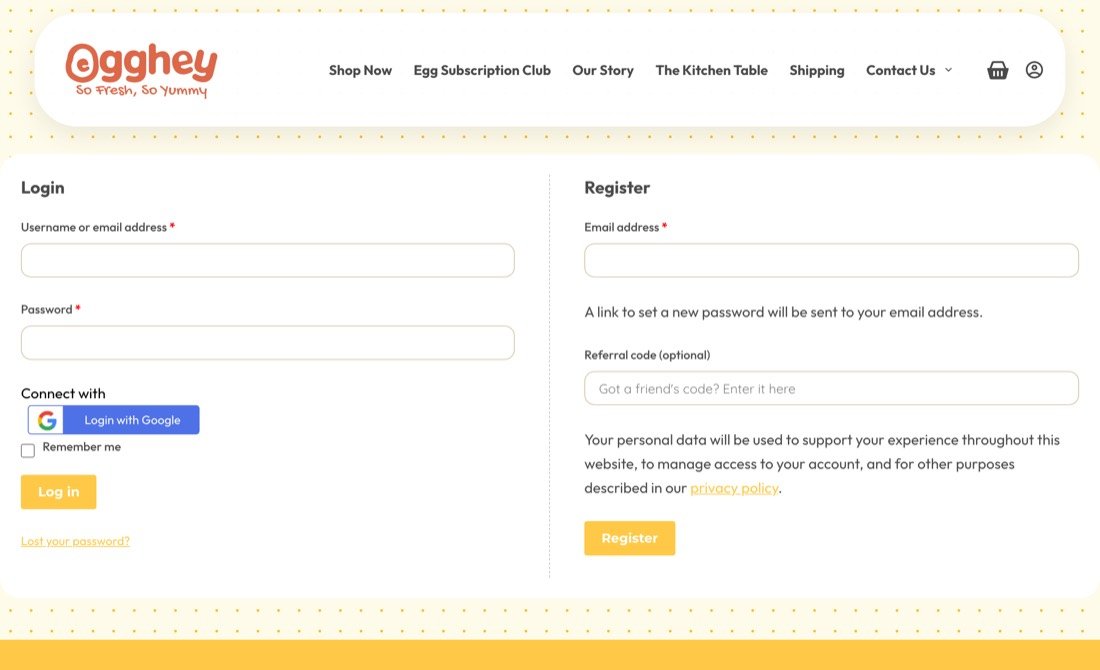
Log in with your Google account
Go to egghey.com/my-account and tap Login with Google. New here? Register on the right side of the same page.
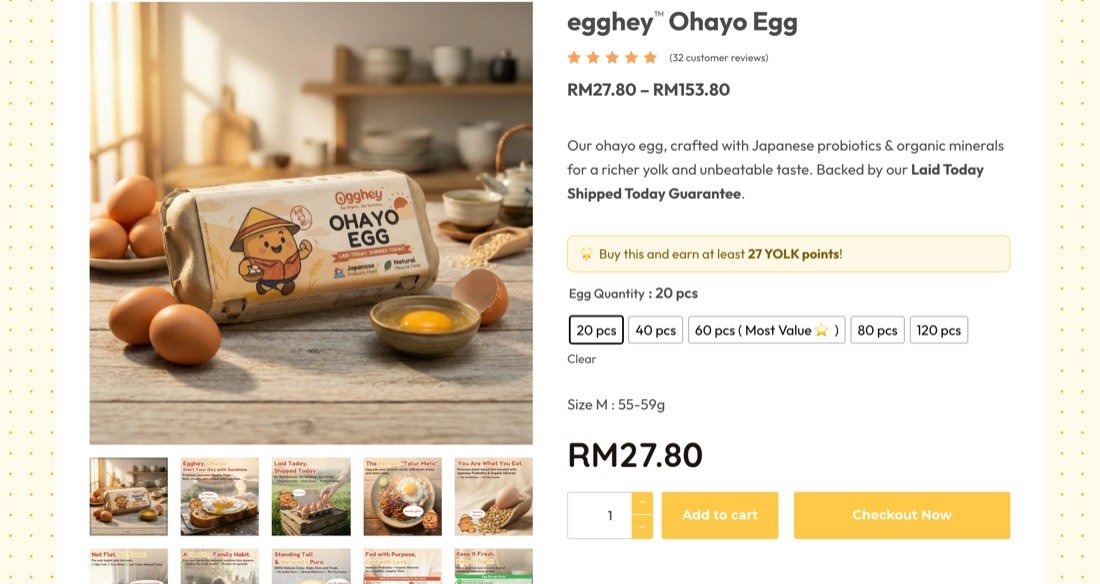
Tap “Shop Now” and pick your size
Click Shop Now in the top menu and it takes you straight to our Ohayo Eggs. Choose how many you want: 20, 40, 60, 80 or 120 pcs. The 60 pcs is our best value 🥚 Then hit Checkout Now, or Add to cart if you’re still browsing.
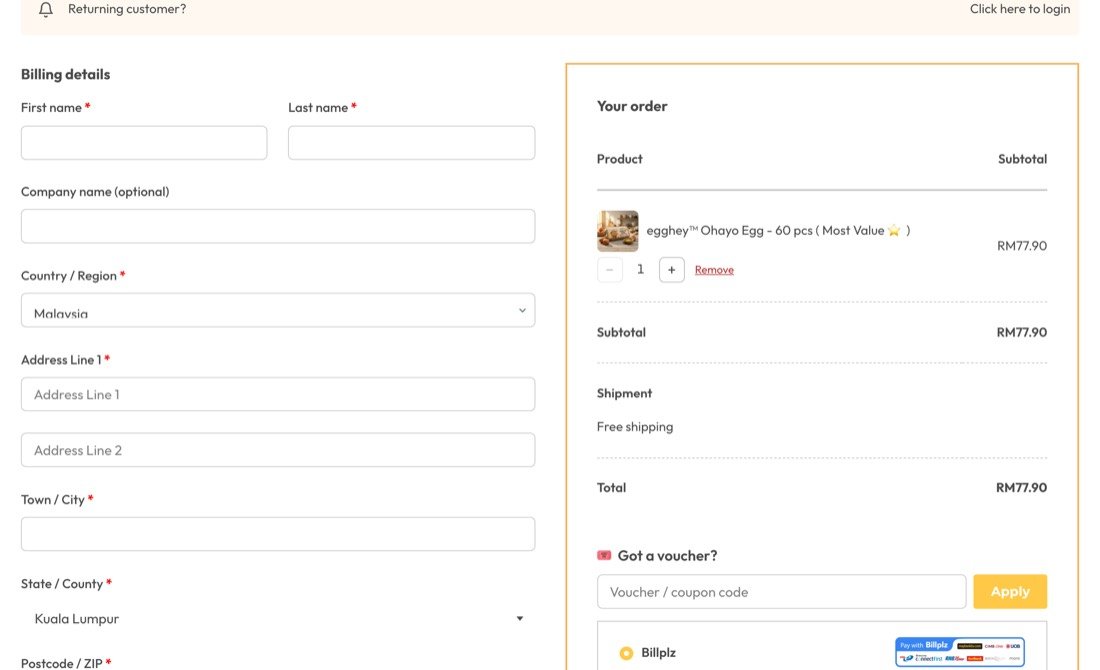
Fill in your receiver details
Name, address, postcode, phone and email. Please double-check the phone number, because that’s how we WhatsApp you the tracking.
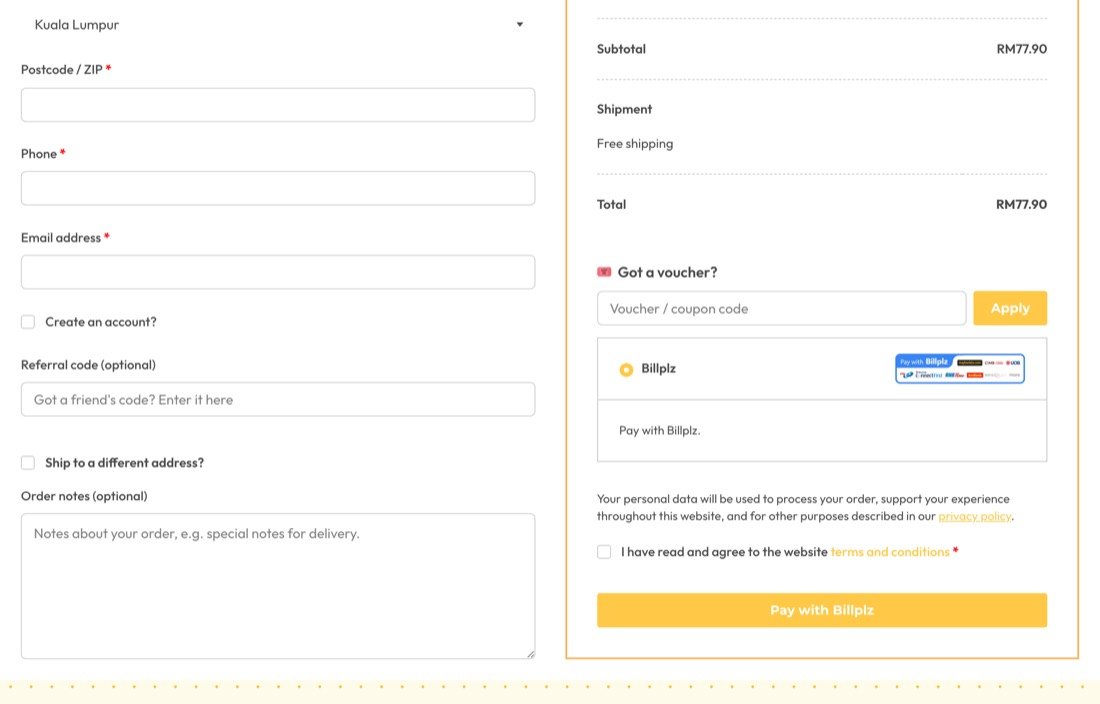
Sending to someone else? Tick “Ship to a different address?” and key in their address instead. Got a friend’s referral code or a voucher, pop it in there too.
Pay and you’re done
Tick the terms box and click Pay with Billplz. On the next page you choose how to pay: online banking (FPX), e-wallet, or debit / credit card.
Any questions? 👨🏼🌾
Just WhatsApp us at +6011-5655 4837, daily 9am to 5pm. Chat is the fastest way to reach us. 💛
WhatsApp us